Tips for Creating a Cozy and Functional Home Office Space
Creating a home office that feels both cozy and functional can significantly improve your work-from-home experience. A well-designed workspace boosts productivity, reduces stress, and makes your daily tasks more enjoyable. Whether you have a dedicated room or a small corner, these tips will help you craft the perfect home office.
Choose the Right Location
Selecting the best spot for your office is the first step to a successful space.
– Natural Light: Aim to work near a window to maximize natural light. It helps reduce eye strain and lifts your mood.
– Quiet Environment: Pick a quiet area to minimize distractions and maintain focus.
– Space Availability: Ensure there’s enough room for your desk, chair, and other essentials without crowding.
Invest in Comfortable Furniture
Comfort is key to staying productive for long hours.
– Ergonomic Chair: Choose an adjustable chair with good lumbar support to maintain healthy posture.
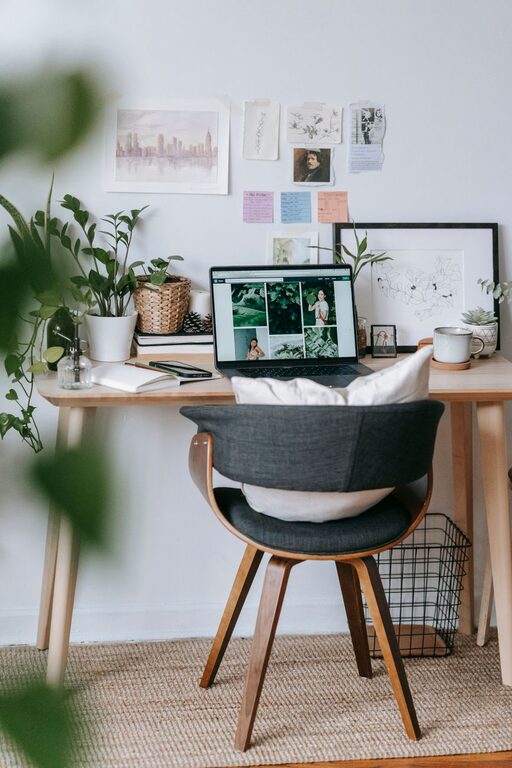
– Functional Desk: Make sure your desk has enough surface area for your computer, notes, and accessories. A standing desk or adjustable desk offers flexibility.
– Storage Solutions: Use shelves, drawers, or cabinets to keep your workspace organized and clutter-free.
Personalize Your Office Decor
Adding personal touches can make your office more inviting.
– Colors: Use calming colors like soft blues, greens, or neutrals to create a relaxing atmosphere.
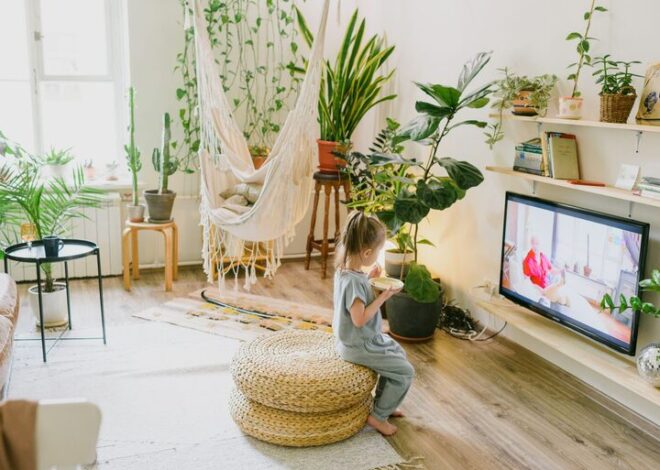
– Plants: Include indoor plants to add life and improve air quality.
– Artwork and Photos: Decorate with images or items that inspire and motivate you, but keep it minimal to avoid distractions.
Optimize Lighting
Good lighting reduces eye fatigue and sets a comfortable ambiance.
– Layered Lighting: Combine ambient lighting (ceiling lights) with task lighting (desk lamps) for flexibility.
– Adjustable Lamps: Opt for lamps with adjustable brightness and direction.
– Avoid Glare: Position screens to prevent glare from windows or lights.
Keep Technology Organized
Technology is essential but can quickly clutter your space.
– Cable Management: Use clips, sleeves, or boxes to keep cords tidy.
– Tech Setup: Choose reliable devices and arrange them so they’re easily accessible.
– Wireless Options: Consider wireless peripherals to reduce wires.
Establish Organization Systems
A neat workspace helps maintain focus and efficiency.
– Declutter Regularly: Remove items you don’t use often.
– Use Organizers: Utilize trays, boxes, or file holders to keep documents and supplies in order.
– Digital Files: Organize digital files in folders and back them up regularly.
Create Zones for Different Tasks
Dividing your office into zones can enhance productivity.
– Work Zone: Dedicated desk area for your computer and main work.
– Creative Zone: Space for brainstorming, sketching, or reading.
– Break Zone: A cozy chair or small couch for short breaks to refresh your mind.
Maintain Air Quality and Comfort
Fresh air and comfort contribute a lot to your wellbeing during work hours.
– Ventilation: Open windows or use fans to keep air circulating.
– Temperature Control: Keep the room at a comfortable temperature to avoid discomfort.
– Humidity: Use a humidifier if your space is too dry.
Set Boundaries and Routine
Finally, setting boundaries helps separate work and personal time.
– Work Hours: Define clear working hours to maintain balance.
– Signage: Let others in your household know when you’re working to avoid interruptions.
– End-of-Day Routine: Organize your desk at the end of each day to prepare for the next.
Conclusion
Designing a cozy and functional home office is all about combining comfort, organization, and personal style. By following these tips, you can create a space that supports your productivity while making work-from-home life more enjoyable. Start small and adjust your setup as your needs evolve. Your ideal home office is within reach!